
Classic gear offers clear benefits in a world of rapid upgrades. Built for repair and long service life, these machines reward patience and care. In this guide, we show how vinyl players, film cameras, handheld consoles, and legacy phones add real value to daily life. They deliver tactile feedback, lower distraction, and parts you can …
Month: December 2025

Invisible daily tracking means capturing work with little to no clicks so professionals stay focused. This approach uses background capture and minimal prompts to reduce interruptions while keeping billing and project records accurate. We highlight automated and minimal-input options such as Memtime, Timeular, and Toggl Track. These apps cut manual steps with calendar sync, physical …
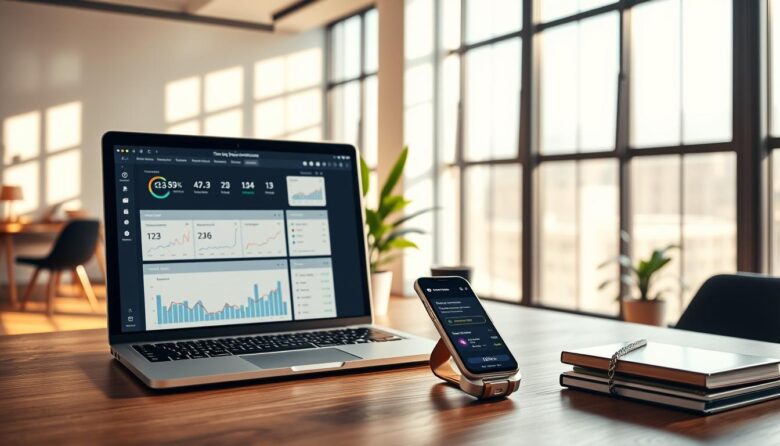
Discover low-friction tools that capture billable time while you focus on work. This roundup shows browser-based options that automate start/stop, idle detection, and keyword rules so you spend less time managing timers and more time producing results. We compare leading chrome extension choices on automation depth, reminders, privacy, and integrations. Expect clear summaries of standout …

Discover a curated set of discreet add-ons that boost focus and save time without upending your workflow. This roundup highlights practical wins: faster reading, smarter tab control, fewer notifications, and simple automation triggers that keep work moving. Selections come from real-world use and trusted community lists like Workona Tab Manager, The Marvellous Suspender, Consent-O-Matic, Reader …
Choose the right app stack and you’ll spend more time in deep work and less time switching tabs. A small set of distraction-free tools can align with how you work and protect time for important tasks. This roundup covers web, desktop, and mobile apps that block distracting media, automate routine steps, and give you one …

The modern browser is where work, research, and communication meet. This article explains the “hidden layers” inside extensions that do more than add a toolbar button. Think AI summaries, cross‑app exports, live tracker maps, and synced workspaces that run in your tab bar. As of 2024, tens of thousands of chrome extension options exist. The …

Analog tools beat app-based setups when you need fewer distractions and less tapping on your phone. A visible clock on your desk keeps time clear and steady. It removes the temptation to open a new window or check notifications during focused work. Seeing progress in real time helps pace work and cut down on interruptions. …

This roundup compares new and established solutions through real workflows. Expect clear comparisons that focus on measurable gains for individuals and teams. In one place you will see scheduling, content creation, research, knowledge systems, developer software, automation, collaboration, and visual storytelling. Pricing notes are included so you can match spend to likely ROI. We spotlight …

This guide curates browser add-ons that help users cut distractions and get real work done. We pull expert testing and real-world picks into one concise list that saves you time and removes trial-and-error. Expect tools that strip visual clutter, group tabs into work sessions, and automate repeatable tasks. The roundup features familiar names such as …
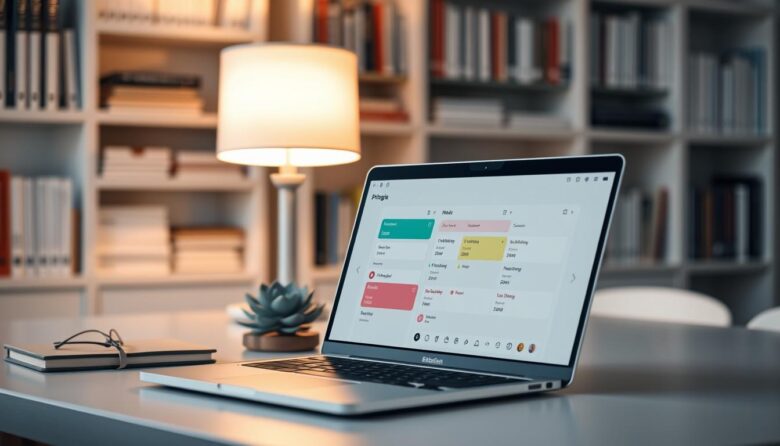
This roundup showcases practical time blocking solutions that focus on clarity over clutter. You’ll find apps that help protect work blocks, sync with your calendar, and reduce the friction between planning and doing. The right app cuts cognitive load so you move from scheduling to action quickly. Simple views keep tasks visible, lower setup time, …