
Analog tools beat app-based setups when you need fewer distractions and less tapping on your phone. A visible clock on your desk keeps time clear and steady. It removes the temptation to open a new window or check notifications during focused work. Seeing progress in real time helps pace work and cut down on interruptions. …


This roundup compares new and established solutions through real workflows. Expect clear comparisons that focus on measurable gains for individuals and teams. In one place you will see scheduling, content creation, research, knowledge systems, developer software, automation, collaboration, and visual storytelling. Pricing notes are included so you can match spend to likely ROI. We spotlight …

This guide curates browser add-ons that help users cut distractions and get real work done. We pull expert testing and real-world picks into one concise list that saves you time and removes trial-and-error. Expect tools that strip visual clutter, group tabs into work sessions, and automate repeatable tasks. The roundup features familiar names such as …
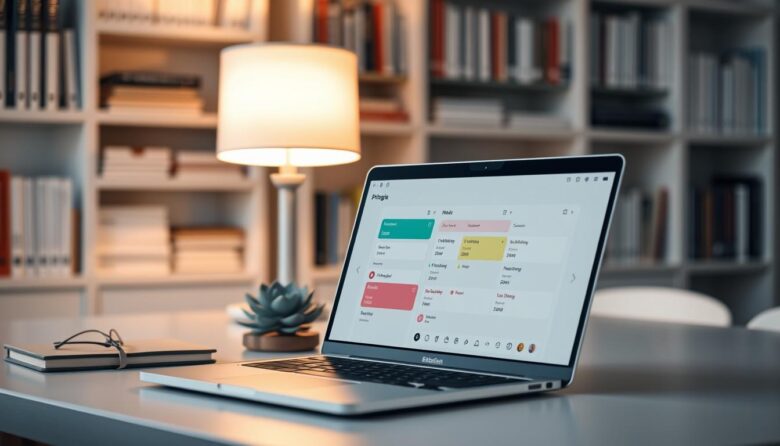
This roundup showcases practical time blocking solutions that focus on clarity over clutter. You’ll find apps that help protect work blocks, sync with your calendar, and reduce the friction between planning and doing. The right app cuts cognitive load so you move from scheduling to action quickly. Simple views keep tasks visible, lower setup time, …
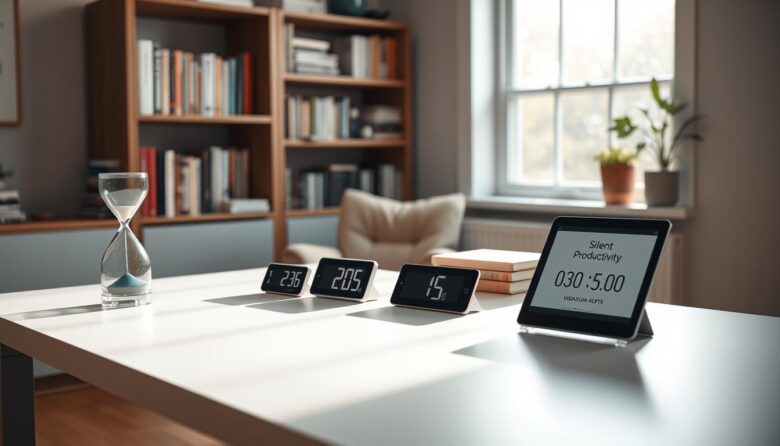
Want a calmer way to manage 25-minute work blocks and short breaks? This guide shows quiet options that keep your attention without jarring alarms. The pomodoro technique still shapes time and task flow, but now many tools use visual cues, vibrations, or subtle notifications so you can keep work momentum. We cover web-based timers that …

Most work starts in the browser, and with Chrome holding over 60% global share, small tools that live there cut delays where they matter. A compact, planning-first stack keeps your intent close to action and reduces the clicks between thought and work. A chrome extension is a tiny program that sits in the browser UI …

Low-stimulus workflows reduce noisy notifications and limit context shifts so professionals can do deep work and measure better productivity in daily project execution. Modern workflow software maps steps, assigns roles, and triggers actions. Dashboards reveal bottlenecks and analytics help teams spot delays. A calm platform stack uses quiet defaults, clear permissions, and automation that handles …

Deep work means long stretches of focused, distraction-free concentration that move important projects forward. Cal Newport’s idea shows most people can sustain one to four hours of true focus each day and benefit from rhythms and review loops. This short list highlights lightweight options that block interruptions, shape soundscapes, and simplify tabs. It favors practical …

Many knowledge workers spend long hours in Google Chrome where social feeds, news sites, and video platforms interrupt work. This short list shows lesser-known tools that add focused friction or remove tempting elements so you regain time and concentration. Expect a mix of lightweight website blockers, element removers, tab managers, and small productivity helpers. Tools …

Your browser quietly steals focus with pop-ups, auto-play videos, shopping tabs, badge alerts, and cookie banners. Small interruptions add up; Harvard Business Review notes knowledge workers can lose over two hours of productive time per day, and a 2023 Cognitive Research study links context switching to up to 40% lower productivity. This article is a …