
Want to stop repeating the same clicks and typing in your browser? This guide shows how a chrome automation plugins and a single chrome extension can cut mundane work and free up time. Browser automation covers form filling, text expansion, and moving data across web pages. No-code tools like Magical give quick wins, while developer …

This hands-on roundup shows lesser-known features that make your browser faster and more useful over time. We focus on practical add-ons and built-in tools that help you save time and shape a better web experience. You’ll see how AI Mode in the omnibox and Gemini in Chrome help summarize videos, find past tabs, and answer …

The browser-first era makes editing and playback faster for creators and teams. Cloud storage and browser-based workflows cut the time spent downloading files and keep content in one place. This intro outlines three core categories: editing, recording, and playback utilities so readers can match a tool to their workflow. We highlight Google Drive-centric actions like …

Turn spoken ideas into searchable text and stay productive on the web. This intro points to leading speech-to-text options like MeetGeek, Fireflies.ai, Tactiq, Notta, Voice In, Speechnotes, and Transkriptor. We focus on real features that help users in meetings, email drafts, research, and content capture. Expect accurate transcription, AI summaries, and exports into PDF, DOCX, …

This friendly, no‑hype roundup shows the best way to regain control of tabs and your browser using proven tools and clear use cases. You’ll get fast, practical tips that favor speed, stability, and real productivity gains for people facing many tabs. We preview a compact lineup: quick declutter list tools, deep session savers, visual organizers, …

Today’s web can feel full of trackers, ads, and hidden scripts that slow your browsing and harvest information. US users need simple, reliable tools that boost protection without wrecking their online experience. This roundup looks at lightweight extensions that block trackers, trim ads, and limit data leakage. We compare features, real-world impact, and which tools …
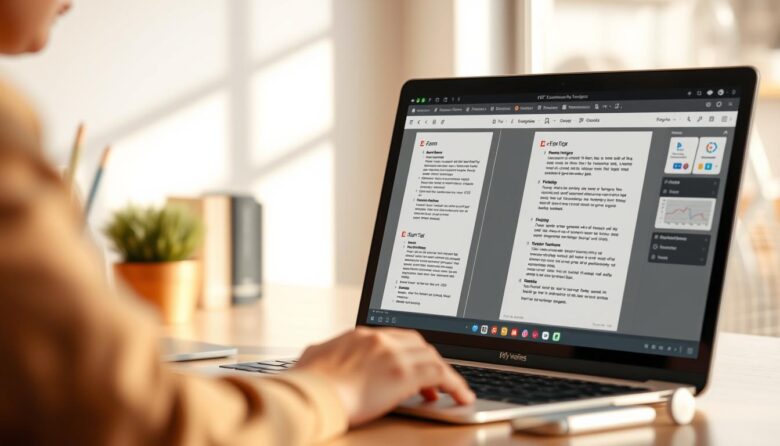
Managing pdfs in your browser should be simple. This intro walks you through a handful of extension options that actually streamline everyday work with files and documents. You’ll stop juggling apps and get straight to the actions that matter. We spotlight an industry leader—Adobe Acrobat—and show when a lighter extension is the faster choice. Adobe’s …

Busy professionals and small business teams lose time to a noisy inbox and repetitive tasks. A smart mix of extensions can declutter that space, sharpen your writing, and shave hours from daily work. This article rounds up hidden gems and familiar picks that work well inside Gmail. We cover clear features, free plan limits, and …

This Ultimate Guide helps you turn busy web pages into clean, calm spaces with a single click. It shows how a reader mode strips ads, popups, and sidebars so headings and the core text sit front and center. You’ll learn which extension fits your workflow, which features to prioritize, and how to install from the …

This friendly, hands-on list points to little-known chrome tools for students that help study smarter and cut distractions. Expect simple setup, real gains in productivity, and picks that improve research and writing on any page. We focus on extensions that save time: hidden note and page apps, writing helpers, citation aids, focus and time managers, …