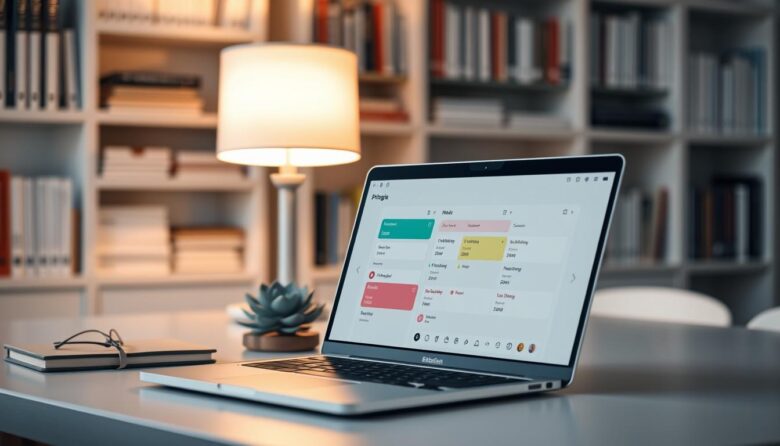
This roundup showcases practical time blocking solutions that focus on clarity over clutter. You’ll find apps that help protect work blocks, sync with your calendar, and reduce the friction between planning and doing. The right app cuts cognitive load so you move from scheduling to action quickly. Simple views keep tasks visible, lower setup time, …
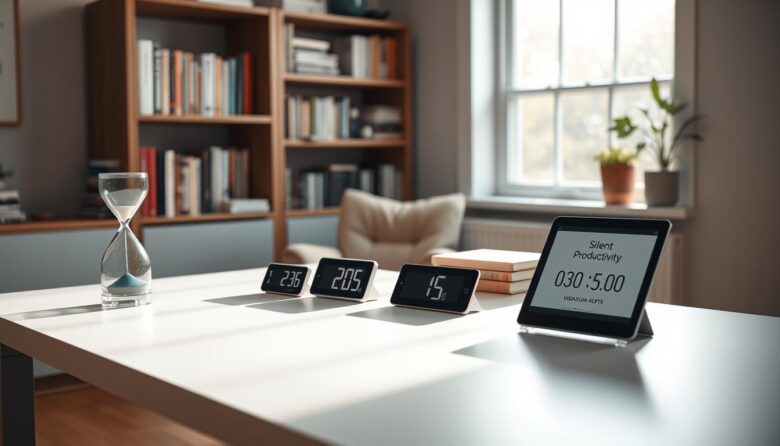
Want a calmer way to manage 25-minute work blocks and short breaks? This guide shows quiet options that keep your attention without jarring alarms. The pomodoro technique still shapes time and task flow, but now many tools use visual cues, vibrations, or subtle notifications so you can keep work momentum. We cover web-based timers that …

Low-stimulus workflows reduce noisy notifications and limit context shifts so professionals can do deep work and measure better productivity in daily project execution. Modern workflow software maps steps, assigns roles, and triggers actions. Dashboards reveal bottlenecks and analytics help teams spot delays. A calm platform stack uses quiet defaults, clear permissions, and automation that handles …

Deep work means long stretches of focused, distraction-free concentration that move important projects forward. Cal Newport’s idea shows most people can sustain one to four hours of true focus each day and benefit from rhythms and review loops. This short list highlights lightweight options that block interruptions, shape soundscapes, and simplify tabs. It favors practical …

Many professionals worry about keeping sensitive information online. Financial records, photos, notes, and tasks often feel too exposed. This guide points you to local-first options that keep most data on your devices and under your control. We cover the types of tools you need: note and task managers, password vaults, maps, document scans, and file …

Busy professionals need a practical way to shape their day so work reflects real priorities. This short guide shows why a buyer’s guide matters now and how smart tools save you from calendar Tetris. We tested top apps like Sunsama, Morgen, SkedPal, Motion, Toggl Track, Clockwise, Planyway, Google Calendar, and Fantastical. Tests synced Google and …

This guide defines zero-cloud dependency: you install, run, and manage every component locally or inside your own data center. That model gives privacy, data sovereignty, and full control over pipelines and artifacts. Privacy-minded professionals, regulated industries, and security teams benefit most. They need offline workflows, air-gapped testing, and private registries that never touch public providers. …

Want a quieter way to work with the pomodoro technique? This roundup shows timers and gentle cue systems that keep focus without blaring alarms. You’ll find simple web options and deeper time-tracking tools that adapt to your day. We compare features, platforms, pricing, and analytics so you can match an app to your tasks, team, …

Want to record work without a blinking clock or constant prompts? This intro shows how No-UI approaches let you focus on deep work while keeping accurate records for billing and planning. Freelancers, small teams, and agencies can all benefit from less intrusive tracking that still supports budgets and invoices. Many modern apps avoid screenshots by …

This short guide is a curated list of low-friction tools that work inside your browser to cut down distractions and quietly lift productivity. You’ll find lesser-hyped but proven options like LeechBlock, OneTab, uBlock Origin, Noisli, MyMind, and Consent-O-Matic. We call them “obscure” because many users overlook them, even though they help real work. Expect distraction …