
Want to record work without a blinking clock or constant prompts? This intro shows how No-UI approaches let you focus on deep work while keeping accurate records for billing and planning. Freelancers, small teams, and agencies can all benefit from less intrusive tracking that still supports budgets and invoices. Many modern apps avoid screenshots by …

This short guide is a curated list of low-friction tools that work inside your browser to cut down distractions and quietly lift productivity. You’ll find lesser-hyped but proven options like LeechBlock, OneTab, uBlock Origin, Noisli, MyMind, and Consent-O-Matic. We call them “obscure” because many users overlook them, even though they help real work. Expect distraction …

When networks fail, teams still need a dependable, low-tech stack that keeps work moving. This short introduction shows how analog approaches mirror the best retrospective platform features: clear roles, time-boxing, safe feedback, and action tracking. Think of retro options as simple, proven methods that run without Wi‑Fi. Examples include landlines, runners, paper boards, and shortwave …

Working without constant internet isn’t a step back. It can help you focus, cut distractions, and avoid sync delays during a busy work day. This short guide compares local-first versus cloud-first approaches and explains why local storage matters when you travel or operate off the grid. You’ll see how apps that run fast on Windows …
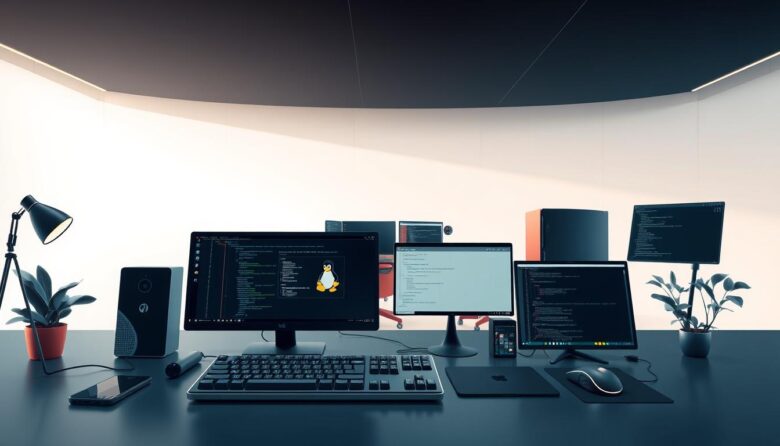
This guide gives a pragmatic, no-nonsense lineup of apps and software that seasoned users rely on to get real work done faster. It draws on long-term experience — Jack Wallen’s 30 years on Linux — and curated lists from RealLinuxUser.com and Opensource.com. Expect recommendations that cover the desktop, terminal, and system layers: office suites like …

Keyboard-first workflows remove friction and cut context switches. Developers who live in the terminal can keep flow and focus by using compact, scriptable utilities that replace slow GUI steps. This article is a practical guide to command-line helpers that fit a modern development stack with little overhead. Expect short, actionable recommendations for navigation, search, history, …

This friendly buyer’s guide shows a practical way to build a durable slip box that lasts for years. You’ll learn why a plain text system keeps notes readable, searchable, and portable across apps and devices. We’ll compare popular apps like Obsidian, Logseq, Roam Research, Mem.ai, and Zettlr. Expect clear criteria: backlinks, graph view, YAML frontmatter, …

Command-line-first thinkers get a lot from a keyboard-focused workflow. Working in the terminal can boost speed and focus for developers and power users who prefer fewer context switches. This roundup shows why a text-first approach is a faster way to capture branching ideas for any project. You’ll see how a tiny, single-file app like h-m-m …
In 2025, writing still competes with constant pings and tiny alerts that break concentration. Writers need simple tools that clear the screen so the words come first. Minimal interfaces remove menus and rulers, leaving only essential features like focus mode and typewriter scrolling. Free, open-source options such as FocusWriter offer customizable themes and RTF support …

Keep your plans private and usable whether you have a signal or not. Modern tools put encryption and decryption on your own device so your password never leaves your machine. That means your tasks, notes, and files stay under your control across desktop, phone, and browser access. Today’s privacy-first services—like Lunatask, Notesnook, Standard Notes, and …